Destiny 2 — System Requirements, FPS Estimate & Settings
2017 · Shooter, Action · Bungie · ESRB Teen · Metacritic 82
Official system requirements
Official system requirements for Destiny 2 are not yet indexed on GameFigs. Check the publisher's store page for the authoritative Minimum / Recommended specs. Based on its release era and genre, our demand model places it at tier 5 (Moderate (mainstream GPU)).
Multi-GPU FPS estimate
Estimated average FPS by GPU at 1080p / 1440p / 4K, derived from Destiny 2's demand tier (tier 5, Moderate (mainstream GPU)) and published TechPowerUp-style relative-performance indices (RTX 4090 = 100), retrieved 2026-08-29. Planning estimates, not benchmarks.
| GPU | 1080p | 1440p | 4K |
|---|---|---|---|
| RTX 4090 | 150 | 99 | 57 |
| RTX 4080 Super | 135 | 89 | 51 |
| RTX 4080 | 129 | 85 | 49 |
| RX 7900 XTX | 144 | 95 | 55 |
| RX 7900 XT | 135 | 89 | 51 |
| RTX 4070 Ti Super | 115 | 76 | 44 |
| RX 7800 XT | 115 | 76 | 44 |
| RTX 4070 Super | 108 | 71 | 41 |
| RTX 4070 | 101 | 67 | 39 |
| RX 7700 XT | 104 | 69 | 40 |
| RTX 3070 | 94 | 62 | 36 |
| RX 6800 XT | 114 | 75 | 43 |
| RTX 4060 Ti | 83 | 55 | 32 |
| RX 6700 XT | 101 | 67 | 39 |
| RTX 3060 | 76 | 50 | 29 |
| RX 6600 XT | 86 | 57 | 33 |
| RTX 2060 | 69 | 45 | 26 |
| GTX 1660 Super | 57 | 38 | 22 |
| RX 580 | 66 | 44 | 25 |
| GTX 1060 6GB | 54 | 36 | 20 |
| GTX 1650 | 43 | 28 | 16 |
| Intel Arc A770 | 88 | 58 | 33 |
| UHD 770 (integrated) | 18 | 12 | 8 |
Method: a game's demand tier maps to a “GPU index needed for ~60 FPS at 1080p”; each GPU's relative index produces an estimate via a diminishing-returns curve, then scaled for resolution. Source: TechPowerUp GPU database (relative performance), 2026-08-29.
Similar games you may tune next
Left 4 Dead 2
2009 · Shooter, Action
Open profile →Half-Life 2
2004 · Shooter, Action
Open profile →BioShock Infinite
2013 · Shooter, Action
Open profile →Borderlands 2
2012 · Shooter, Action
Open profile →BioShock
2007 · Shooter, Action
Open profile →PAYDAY 2
2013 · Shooter, Action
Open profile →DOOM (2016)
2016 · Shooter, Action
Open profile →Team Fortress 2
2007 · Shooter, Action
Open profile →Optimize Destiny 2 for your hardware
Pick your GPU, CPU, resolution and target refresh rate, then generate a printable settings card with per-preset expectations and upscaler guidance.
Optimize Destiny 2 for your PC
This is a planning estimate derived from the game's demand tier, not a benchmark.
My Destiny 2 Settings Card
Generated at GameFigs on 2026-09-25. Game demand tier: 5/9.
Release & version notes
Official release date: 2017-09-06. Ongoing patches and version history are published by the developer — for the latest patch notes, see the official store or support page. GameFigs summarizes the official release only and does not invent patch dates.
About Destiny 2
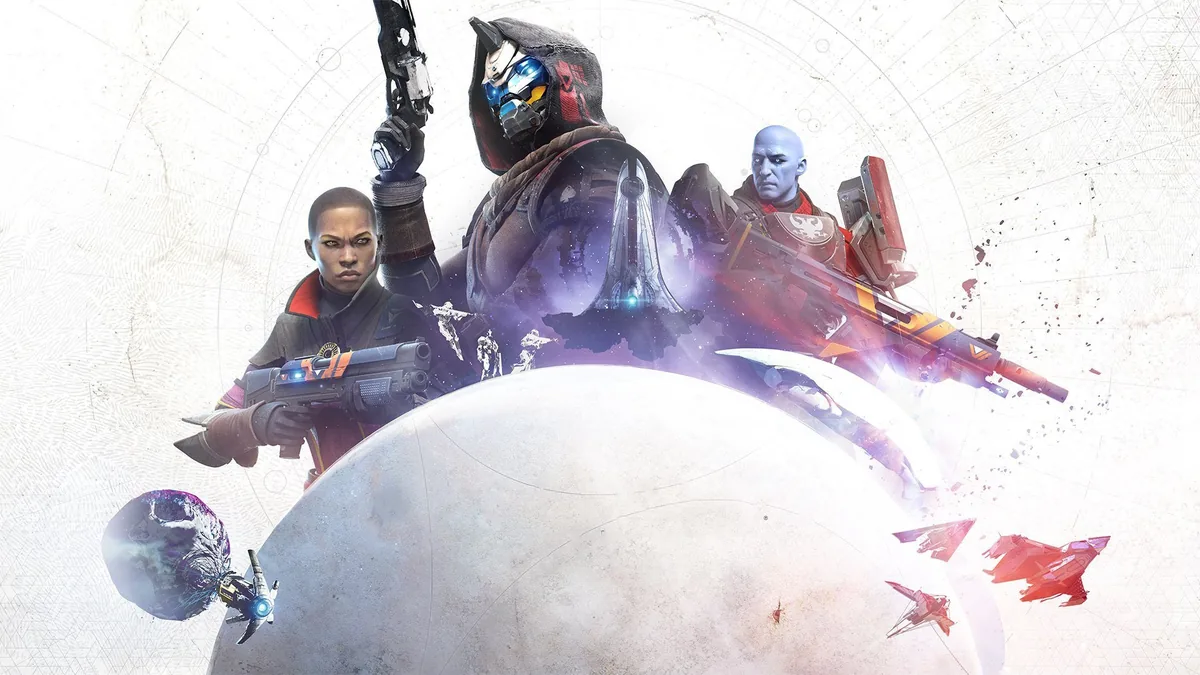
Destiny 2 is an online multiplayer first-person shooter. You take on the role of a Guardian that needs to protect the last city on Earth from alien invaders. The game follows its predecessor, Destiny. The goal of the game is to return the Light that was stolen from the Guardians by the aliens. Destiny 2 features two main activity types: player versus environment and player versus player. PvE is focused on exploration, story missions interaction with NPCs and side quests. PvP features 4v4 team matches in different modes. The game also allows taking part in group missions, such as three-player strikes and six-player raids. Destiny 2 has a strong RPG aspect that includes character customization and development. There are three classes in the game - Warlock, Hunter, and Titan; they provide different playstyles depending on their specialization and unique abilities. To develop the character you can gain experience points completing the story and side missions.
Sources & attribution
- Game data (release year, genres, platforms, system requirements, description, cover art) via RAWG.io, retrieved 2026-08-21.
- GPU relative-performance indices via TechPowerUp GPU database (relative performance), retrieved 2026-08-29.
- FPS estimates on this page are GameFigs planning estimates from the demand-tier + GPU-index model — not benchmark results.
How the Destiny 2 optimization card & FPS estimate are computed
Each game is scored on a 0–9 demand tier from its published PC requirements (and a year/genre fallback when requirements are absent). The FPS estimate compares your selected GPU's relative-performance index against the tier's required index using a diminishing-returns curve, then scales for resolution. The settings card maps the demand tier and your hardware to a starting preset, an FPS band and an upscaler recommendation. All outputs are planning guides — verify in-game with the built-in benchmark when available.
Tools for Destiny 2
Check your hardware against this title, then set your gear up for it.